

This guide walks you through creating your first URL monitor to check the availability and performance of your websites, APIs, or any HTTP-based service. Each URL monitor is defined by its request configuration, which includes the target URL and how its availability and performance should be validated.Documentation Index
Fetch the complete documentation index at: https://checkly-422f444a-sync-playwright-reporter-changelog-v1-5-0.mintlify.app/llms.txt
Use this file to discover all available pages before exploring further.
Basic Setup
Configure your URL monitor by specifying the endpoint and request method:
- Request method: Always
GET - URL: The HTTP(S) URL to monitor (e.g.
https://api.example.com) - IP family: Defaults to IPv4
Response Validation
Assertions
Validate the returned response status code:
Response Performance
Define performance thresholds for degraded or failed states: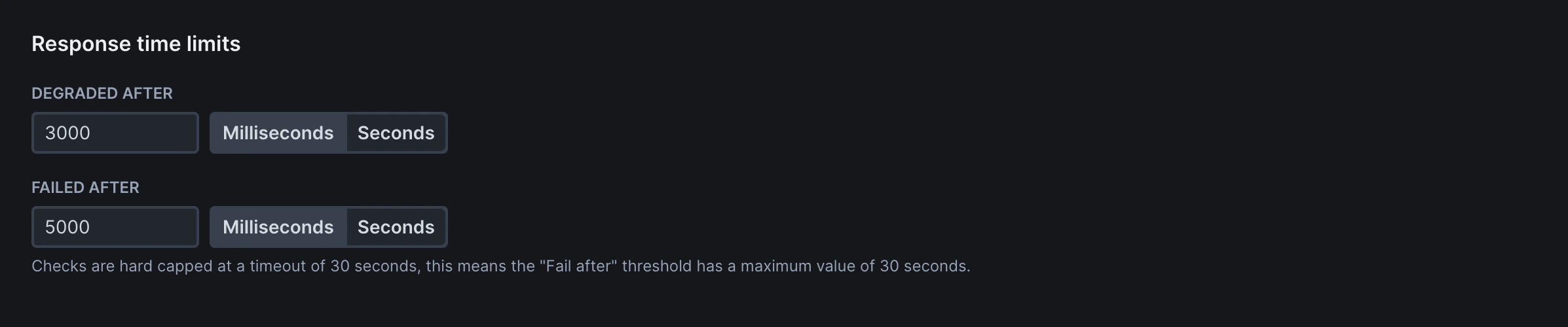
Frequency
Set how often the monitor runs (every 10 seconds to 24 hours).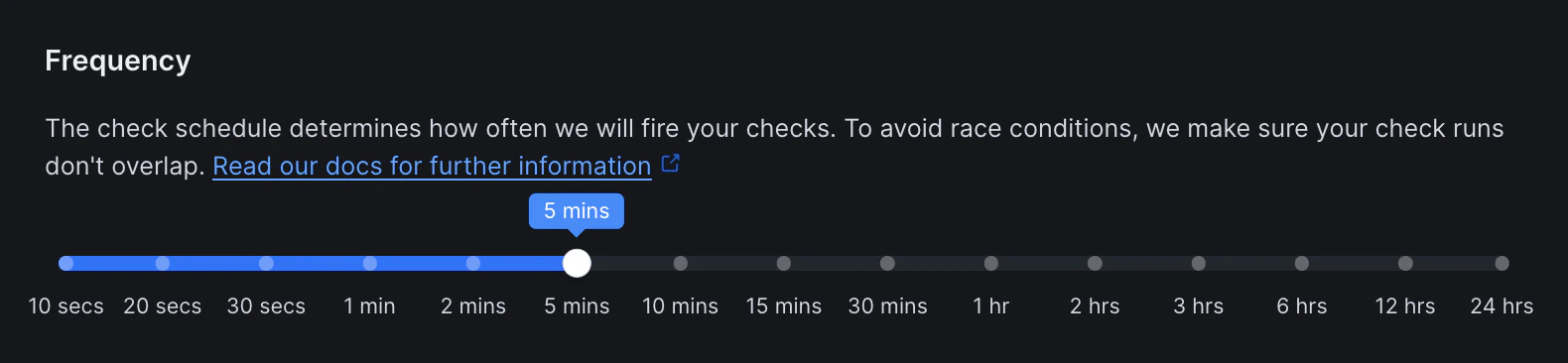
Scheduling & Locations
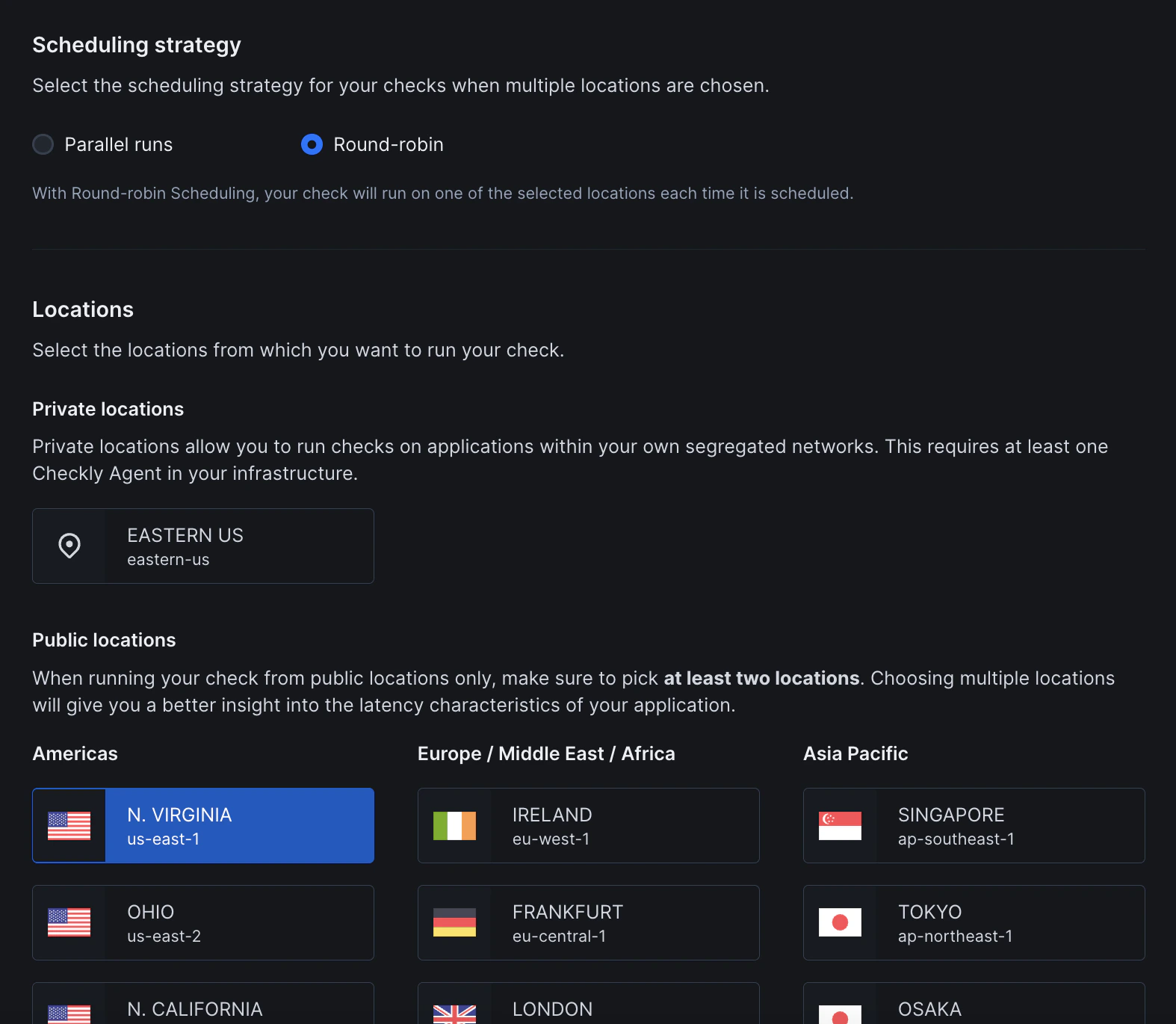
- Scheduling: Choose between round-robin or parallel execution. Learn more about scheduling strategies
- Locations: Select one or more public or private locations to run the monitor from
Additional Settings
- Name: Give your monitor a clear name to identify it in dashboards and alerts
- Tags: Use tags to organize monitors across dashboards and maintenance windows
- Retries: Define how failed runs should be retried. See retry strategies
- Alerting: Configure your alert settings, alert channels, or set up webhooks for custom integrations