

Monitor your scheduled jobs, background tasks, and automated processes with Checkly’s heartbeat monitoring. Unlike traditional active monitoring, heartbeat monitors work passively—they listen for regular “pings” from your tasks to ensure they’re running as expected.Documentation Index
Fetch the complete documentation index at: https://checkly-422f444a-sync-playwright-reporter-changelog-v1-5-0.mintlify.app/llms.txt
Use this file to discover all available pages before exploring further.
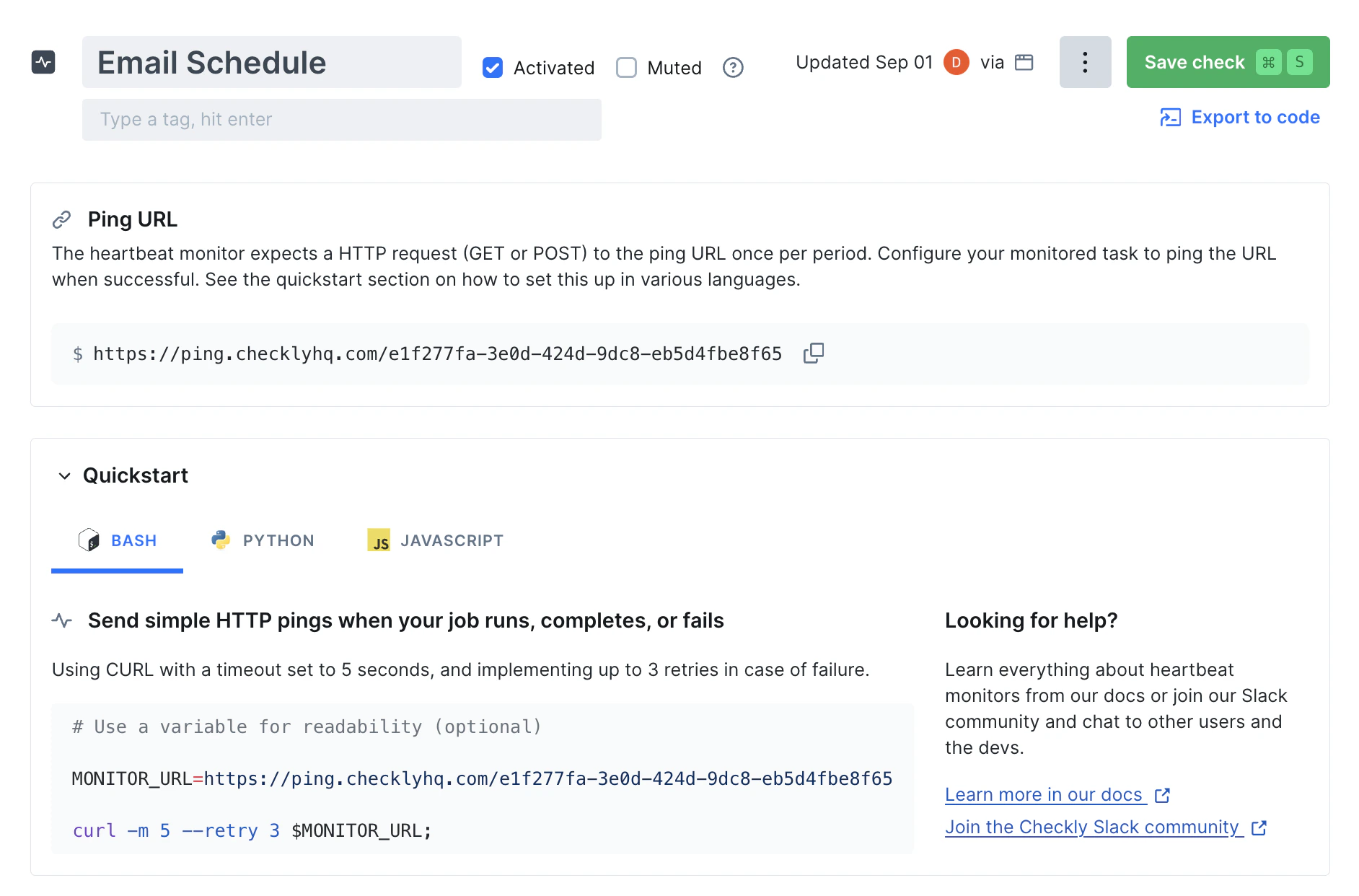
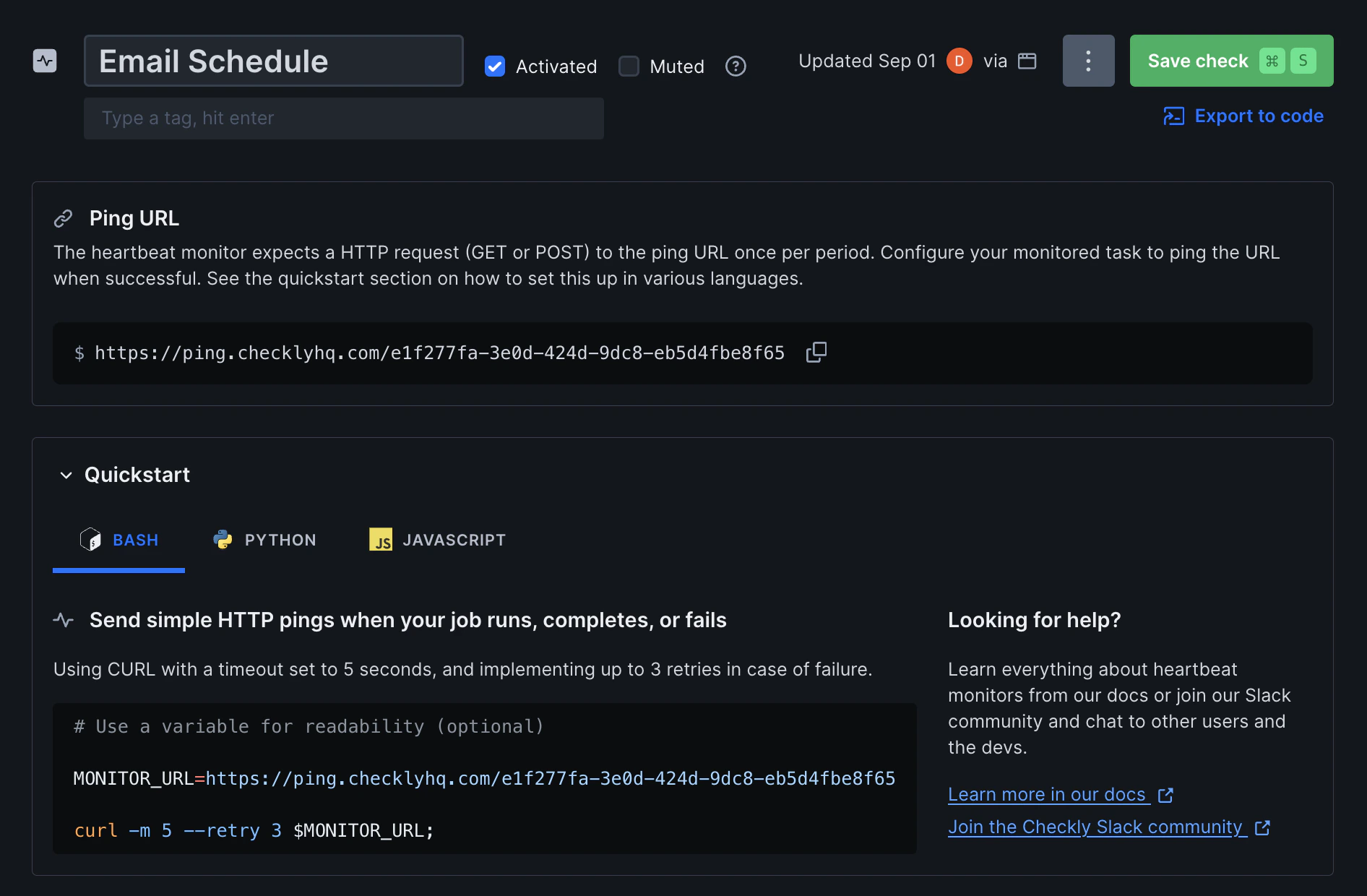
What are Heartbeat Monitors?
Heartbeat monitors are passive monitoring checks that wait for your automated tasks to report their successful completion. When your scheduled job, backup script, or cron job finishes successfully, it sends a simple HTTP request (a “ping”) to Checkly to confirm it ran. If Checkly doesn’t receive a ping within the expected timeframe, it triggers alerts to notify you that something may have gone wrong. Heartbeat monitors are perfect for:- Backup jobs and data exports
- ETL processes and data imports
- Scheduled maintenance scripts
- Newsletter and email campaigns
- Database cleanup tasks
- File processing workflows
How Heartbeat Monitoring Works
The heartbeat monitoring process is straightforward. Once created, your heartbeat monitor provides a unique ping URL. Your tasks should make an HTTP GET or POST request to this URL when they complete successfully.- Create a monitor - Set up a heartbeat monitor with your expected ping frequency
- Get your ping URL - Checkly provides a unique URL for your task to ping
- Add the ping - Include a simple HTTP request in your task’s success path
- Monitor results - Checkly tracks pings and alerts you if a ping is missed or delayed
Grace Period
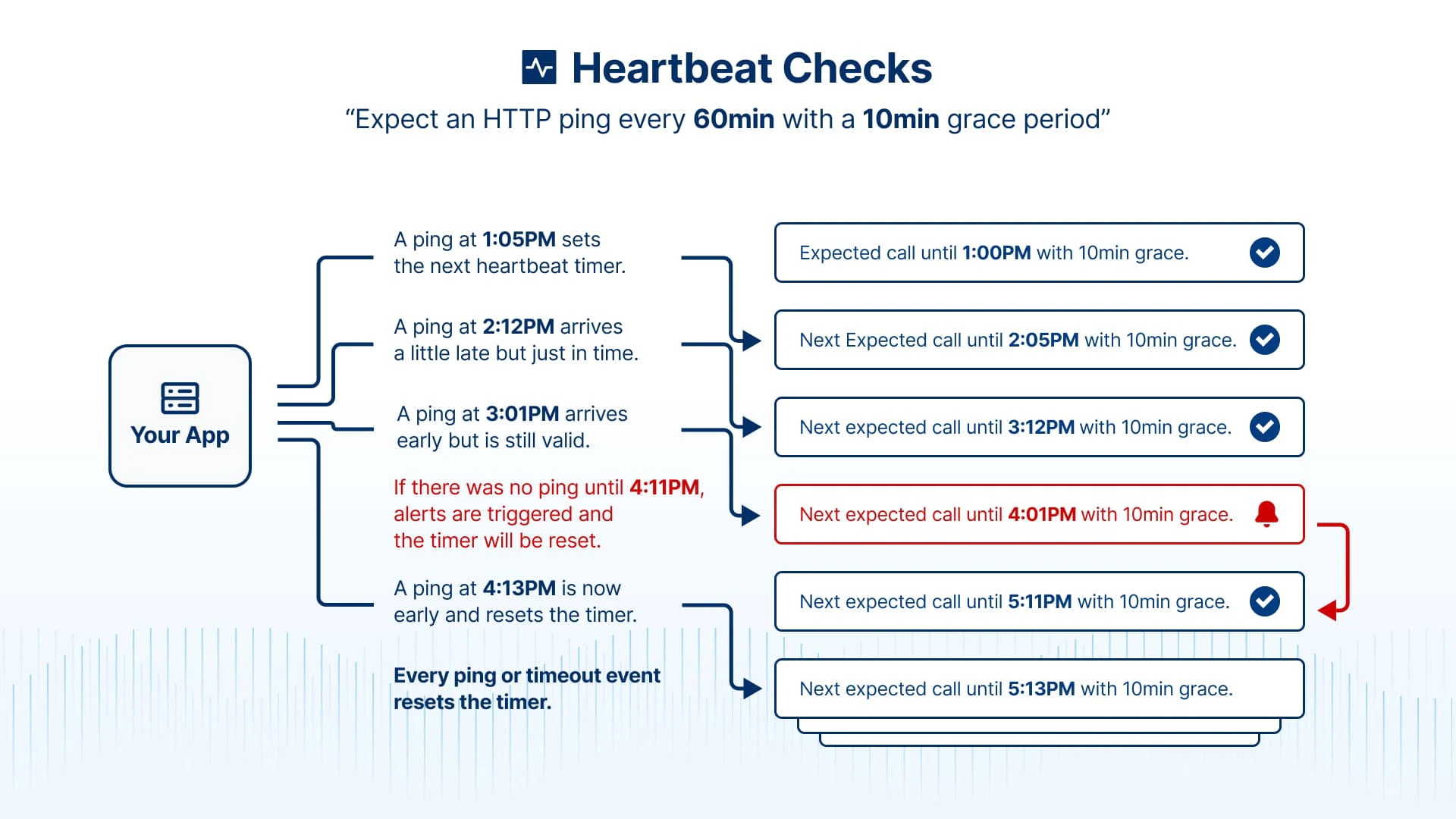
The grace period provides extra time before alerting. For example, a daily backup job scheduled to run at 2:00 PM with a 30-minute grace period will trigger an alert if no ping is received by 2:30 PM. Choose grace periods based on:- Normal variance in your job execution time
- Acceptable delay before you need to know about failures
- Time needed for any retries or recovery processes
Timer Behavior
The heartbeat timer works predictably:- First ping starts the timer - When you send the first ping, monitoring begins
- Each ping resets the timer - Every successful ping resets the countdown
- Alerts also reset the timer - After an alert fires, the timer restarts
- Deactivation resets everything - Pausing and resuming a monitor restarts timing
Metrics
Heartbeat monitors provide different metrics and insights than other types of checks and monitors:- Ping History: Timeline of when pings were received
- Missed Pings: Gaps where expected pings didn’t arrive
- Alert Timeline: When alerts were triggered and resolved
- Source Tracking: Which systems or processes sent pings
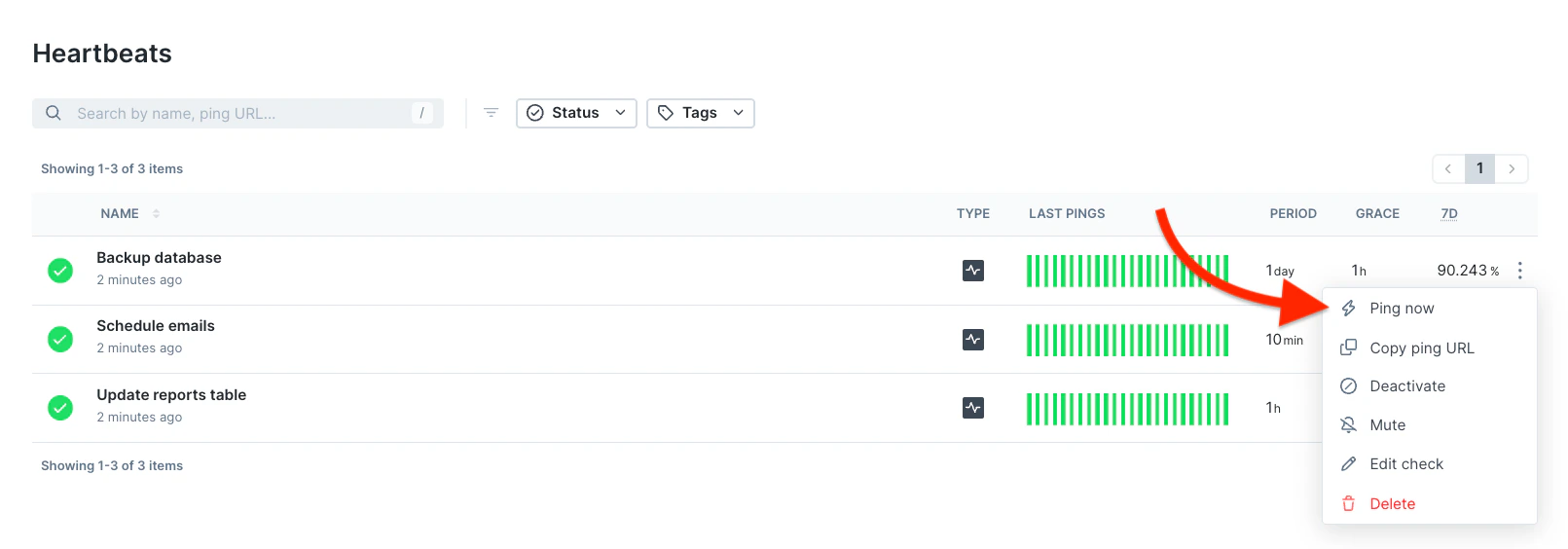
Manual pings
You can manually send pings via the Checkly UI. Use this to start the check timer when a check is first created or to silence alarms.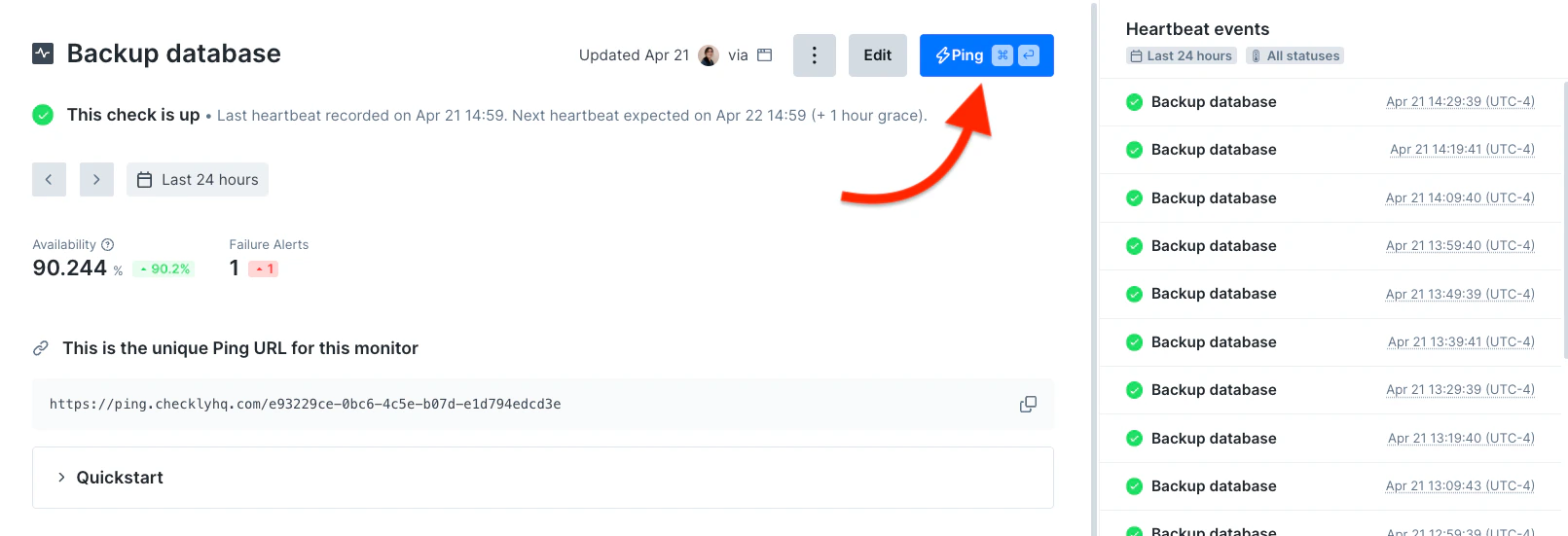
Heartbeat Monitor Results
Heartbeat monitor results show information about the ping request, like when it was recieved and its source.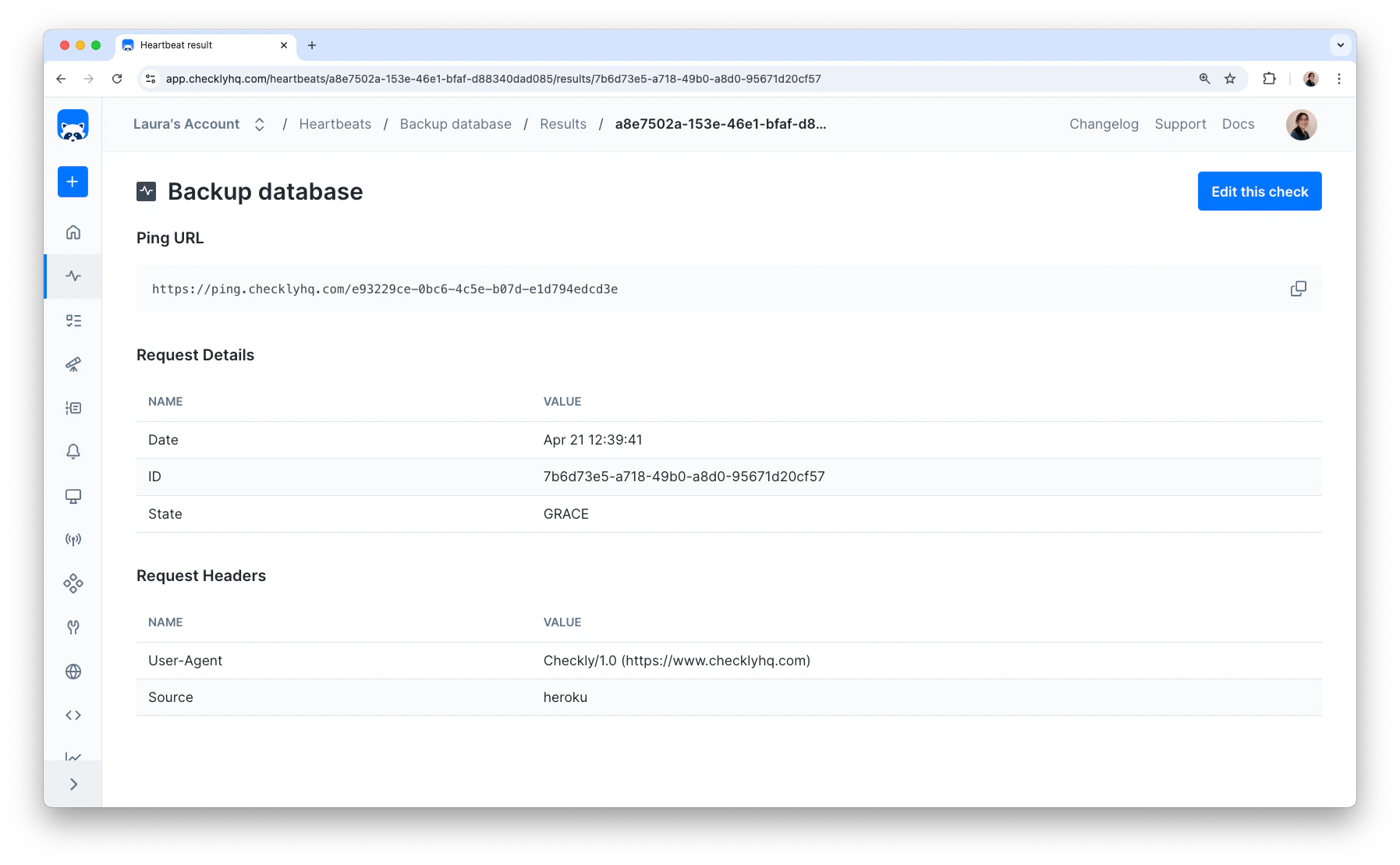
| State | Description |
|---|---|
EARLY | Ping recieved before the expected time |
RECEIVED | Ping recieved right at the expected time |
GRACE | Ping recieved after the expected time, during the grace period |
LATE | Ping recieved during the few seconds between the end of the grace period and before the monitor is marked as failing. This is very rare |
FAILING | No ping recieved by the end of the grace period. Indicates a failing Heartbeat monitor |
origin and referer request headers.