You can invite team members to join your Checkly account to view and manage all checks and related settings; team members can have different roles.Documentation Index
Fetch the complete documentation index at: https://checkly-422f444a-sync-playwright-reporter-changelog-v1-5-0.mintlify.app/llms.txt
Use this file to discover all available pages before exploring further.
Inviting team members
Go to the Members section of your account overview. Add the email address of each user you want to invite. A pending invite will be added to your list of users. The invite is valid for 30 days, and you can retract it at any moment.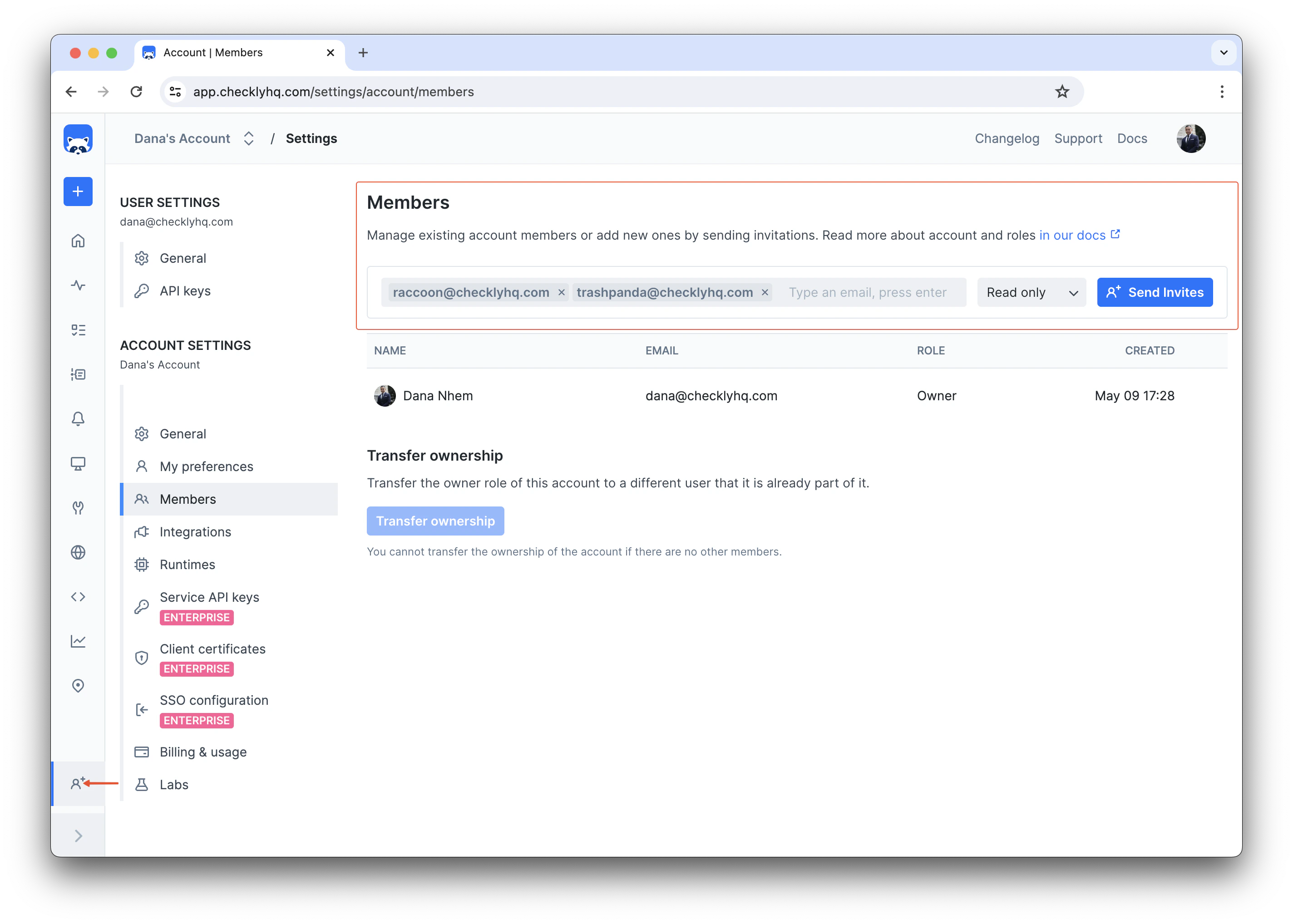
Accepting invites
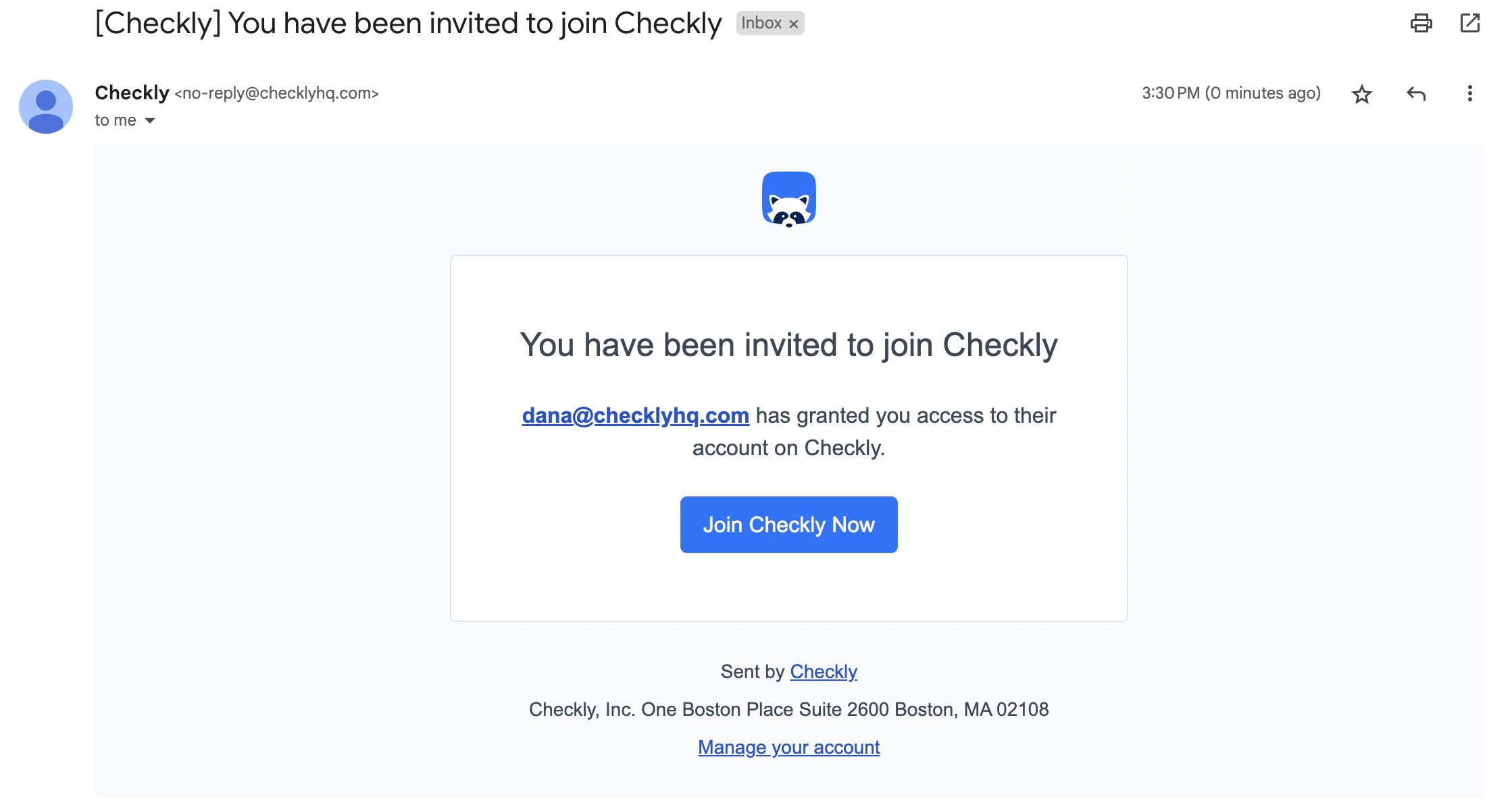
If you’re invited by a teammate, you will get an email with a link to an invite page. This link contains a unique, single-use token that allows you to join the team.